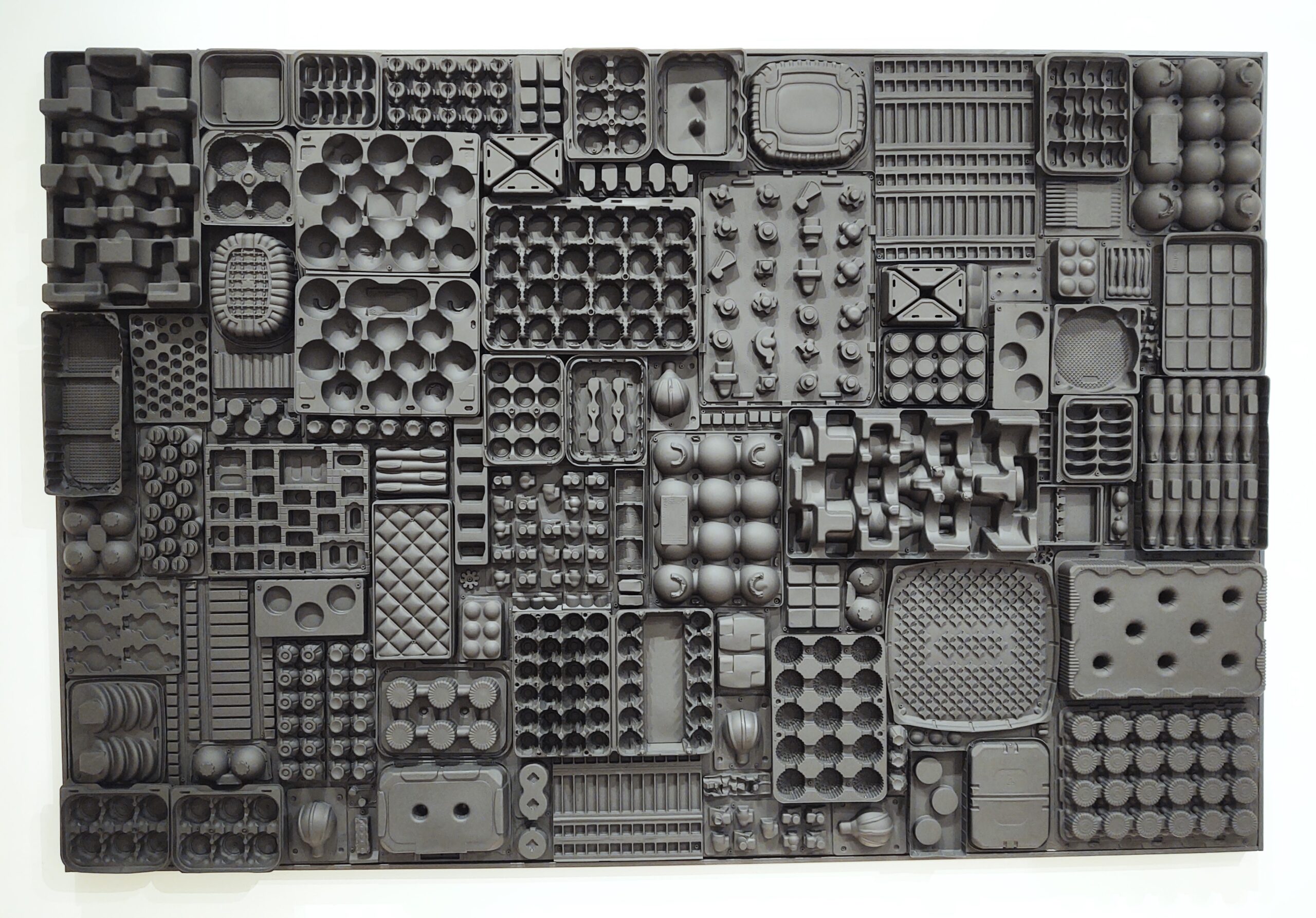
Interweaving the work of Rachel Breen, Heather M. Cole, and Shana Kaplow with Agnès Varda: possibility beyond disposability
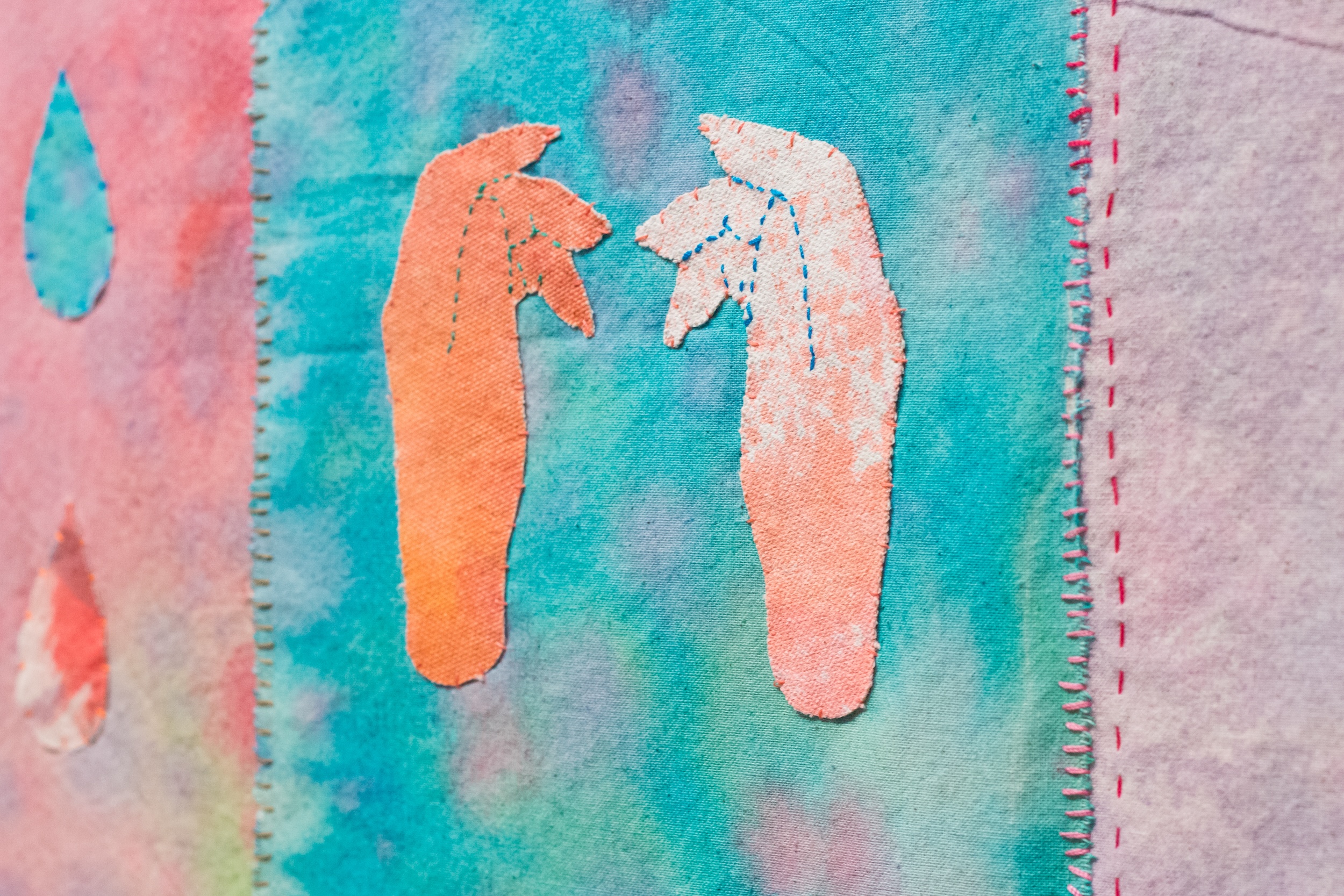
A conversation with the 2023/24 MCAD–Jerome Fellow on her use of abstraction and Persian calligraphy to explore themes of distance, belonging, and home
Series:
View All
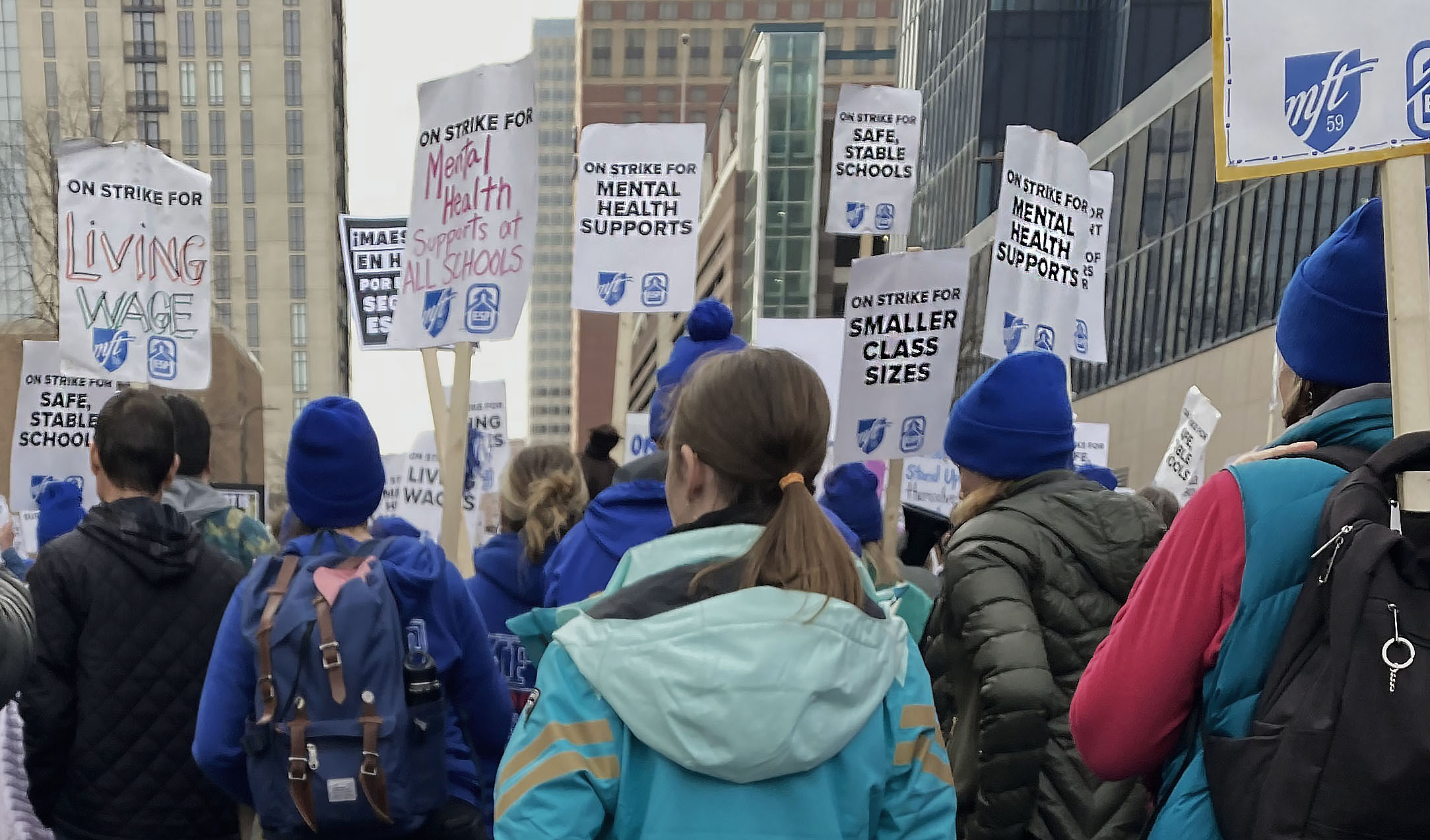 Lessons from an Uncertain SyllabusGuest Editor
Brooks Turner
Lessons from an Uncertain SyllabusGuest EditorBrooks Turner
Lessons from an Uncertain SyllabusGuest EditorBrooks Turner
Lessons from an Uncertain SyllabusGuest EditorBrooks Turner
Lessons from an Uncertain SyllabusGuest EditorBrooks Turner
Lessons from an Uncertain SyllabusGuest EditorBrooks Turner
Lessons from an Uncertain SyllabusGuest EditorBrooks Turner
Lessons from an Uncertain SyllabusGuest EditorBrooks Turner
Lessons from an Uncertain SyllabusGuest EditorBrooks Turner
Lessons from an Uncertain SyllabusGuest EditorBrooks Turner
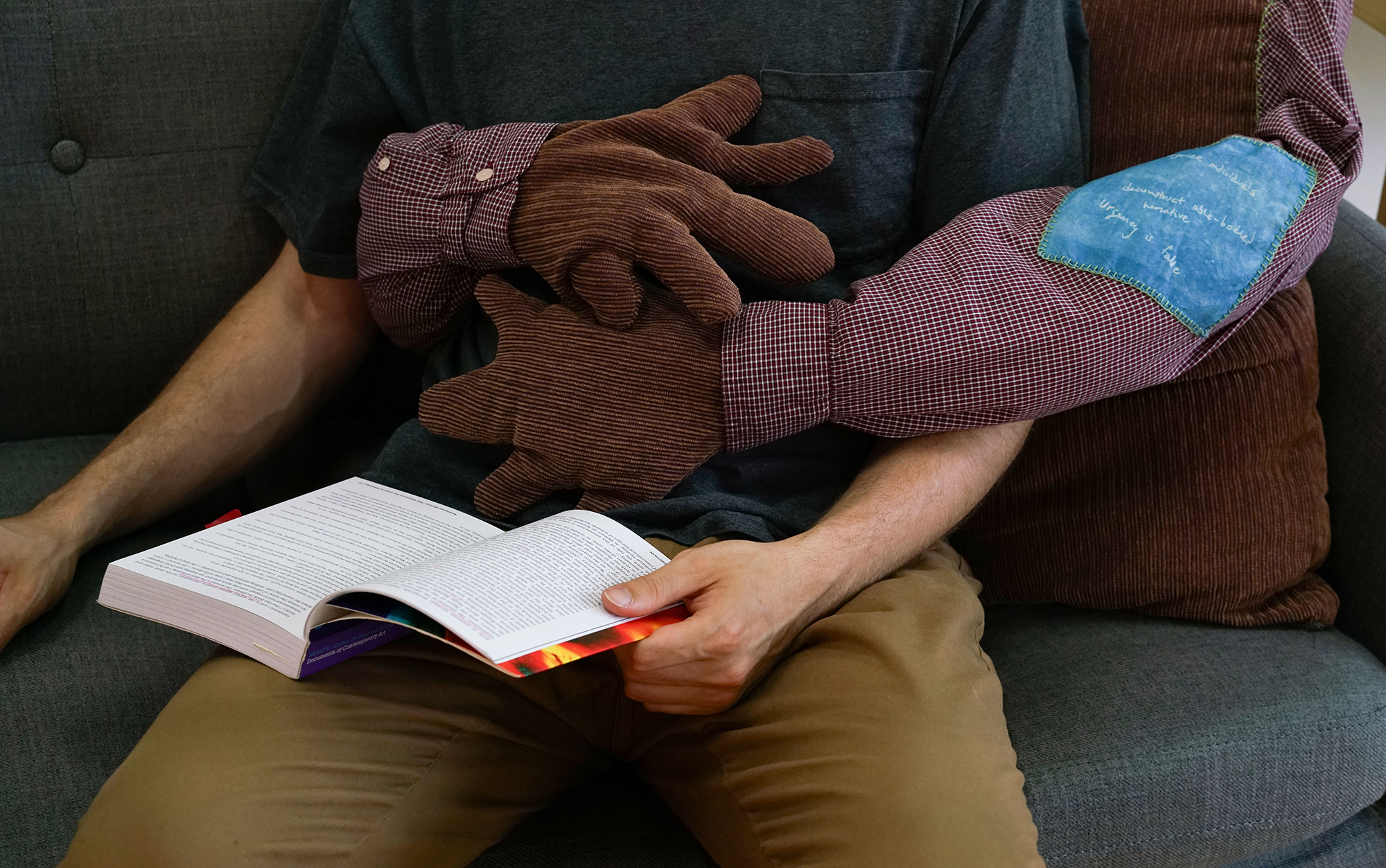
A conversation with the 2023/24 MCAD–Jerome Fellow on their practice of addressing chronic illness through holding and creating space for individual and community healing
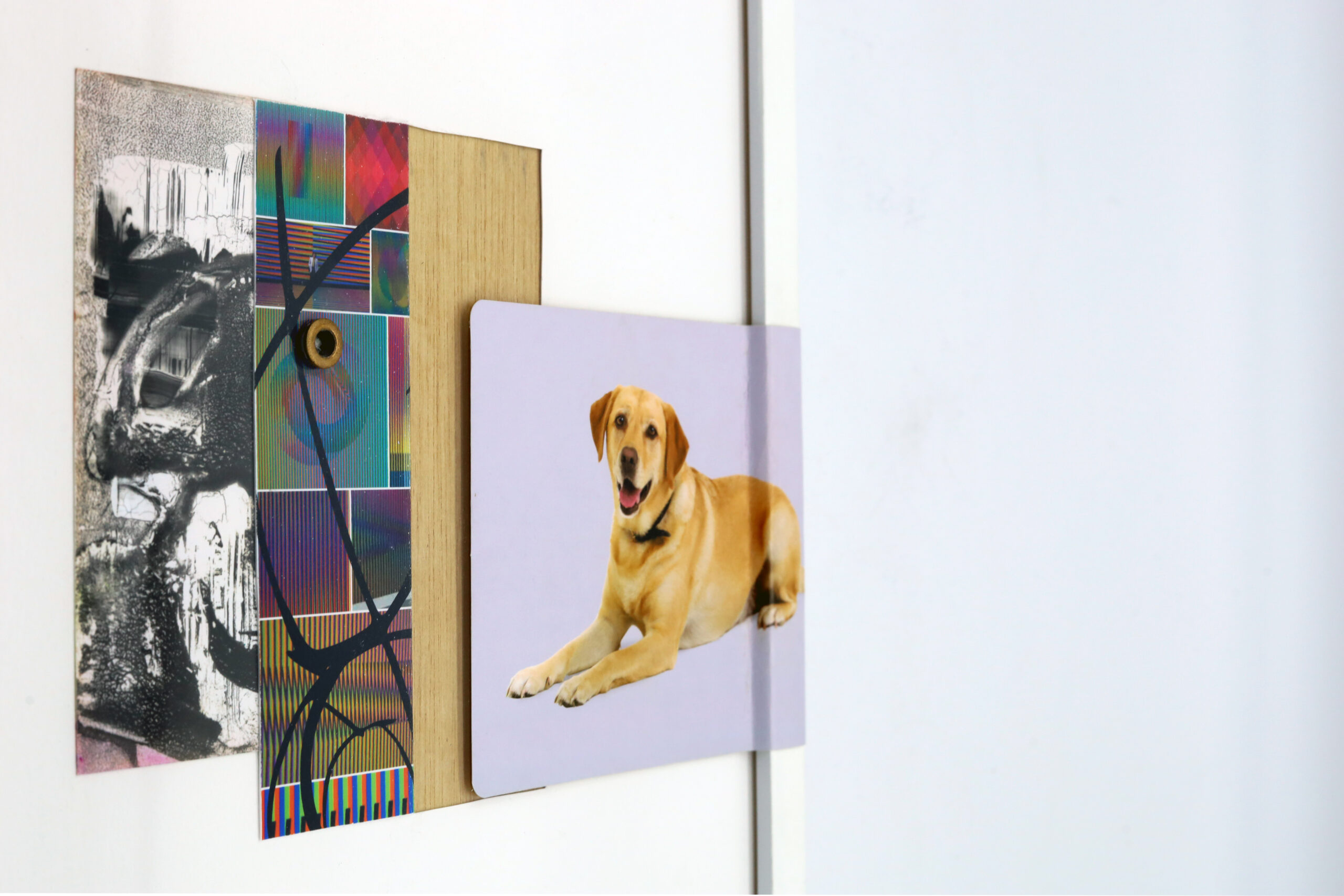
Exploring the circulation and replication of images through filmic vignettes and the internet legend surrounding an iconic prop from The NeverEnding Story
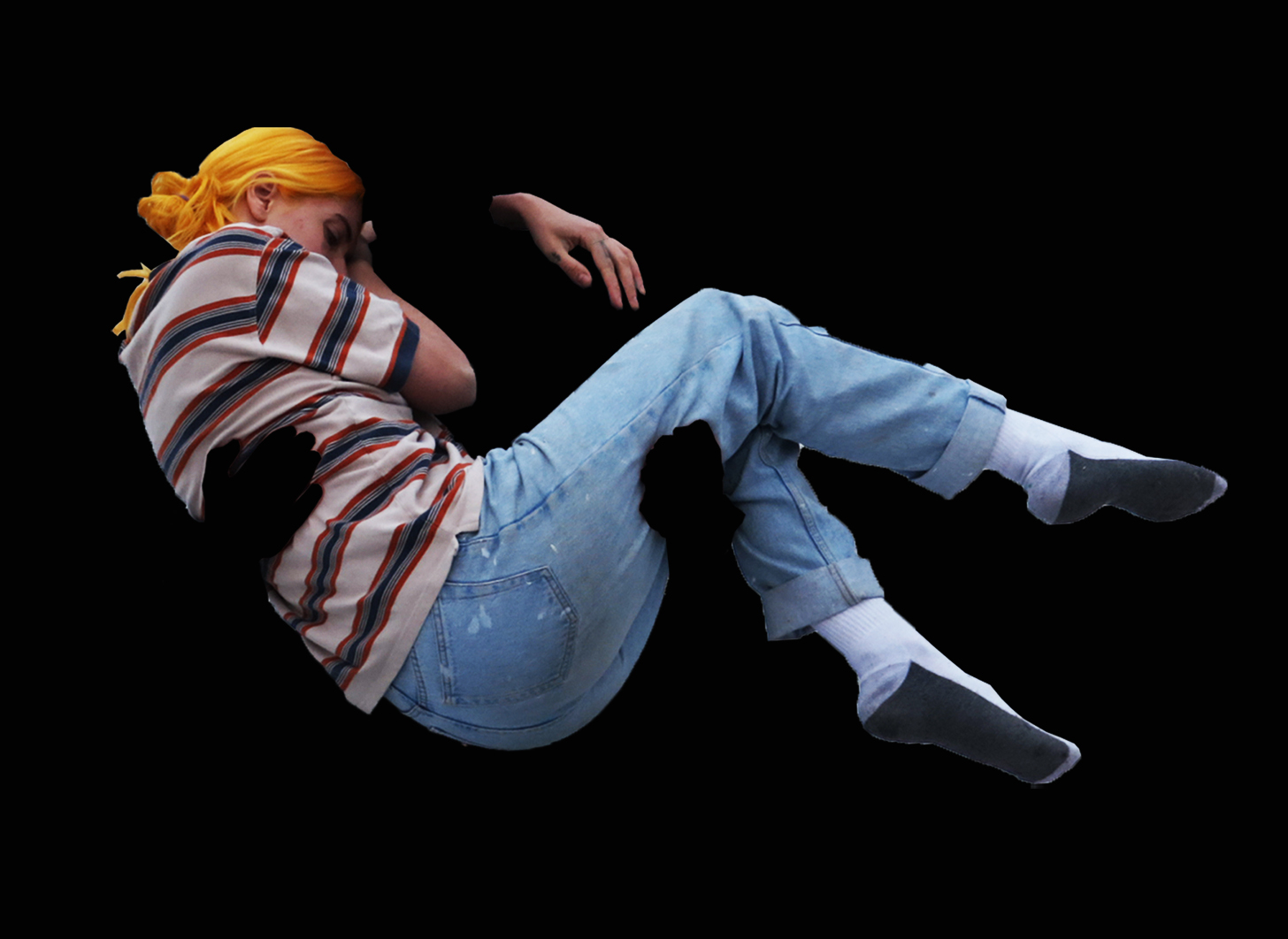
How green screen technology remakes not only images and perception, but the function and ontology of objects themselves
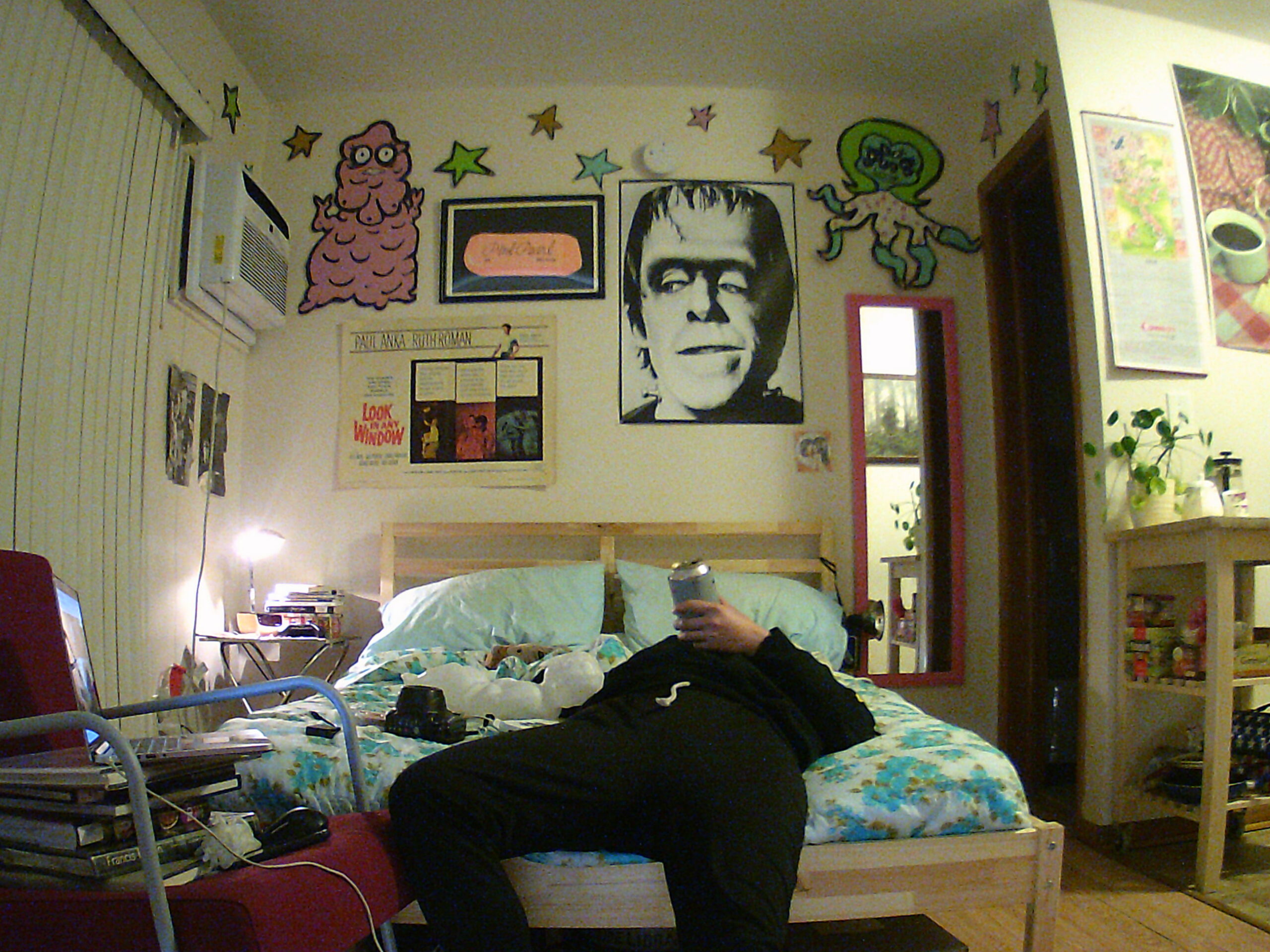
How artists Brian Hart, Trina Fernandez, and John Bumstead navigate audience and identity on social media
Editor’s Picks: Extra-Local
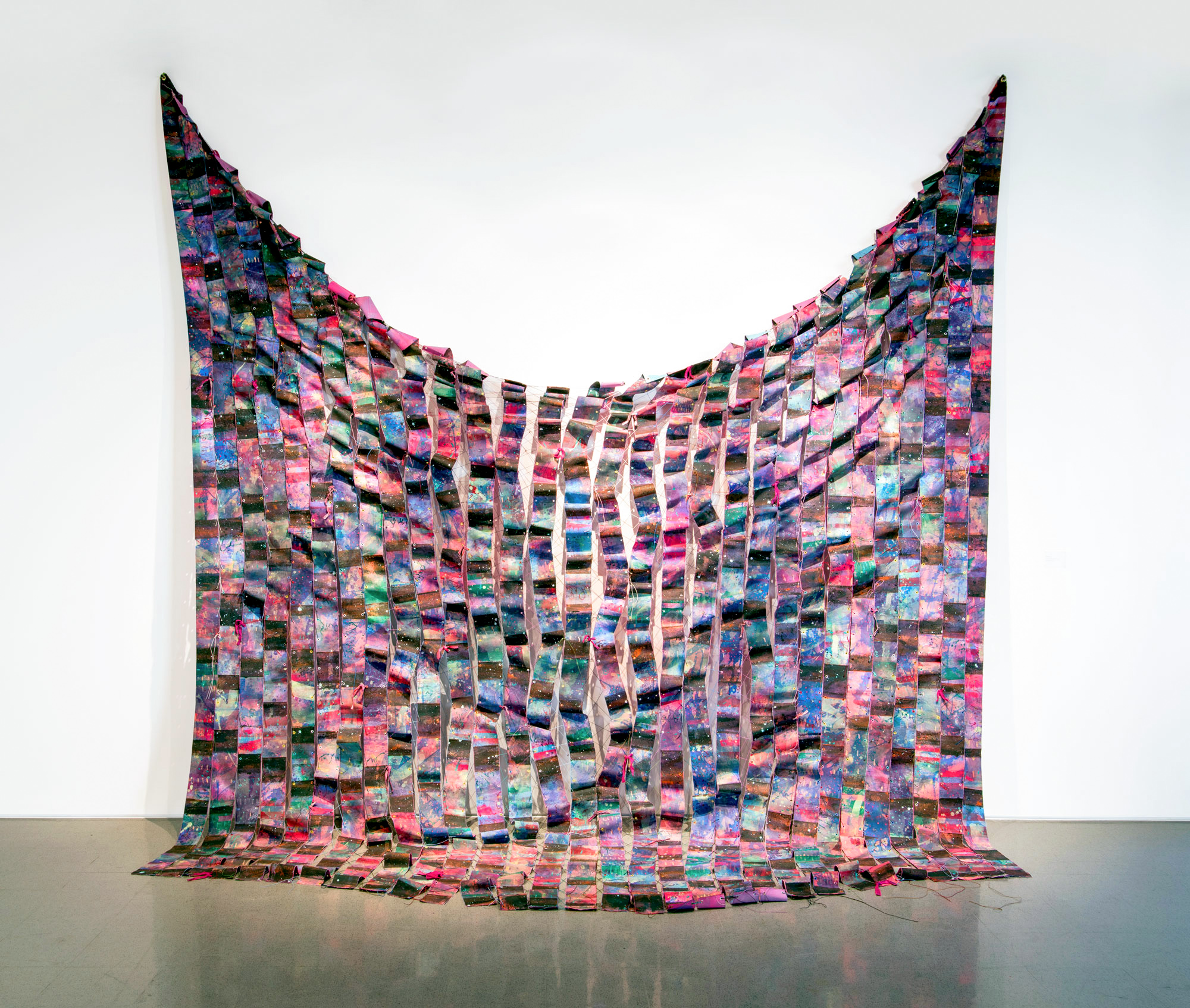
Series:
View All
 Residents of ImpermanenceGuest Editor
Peng Wu
Residents of ImpermanenceGuest EditorPeng Wu
Residents of ImpermanenceGuest EditorPeng Wu
Residents of ImpermanenceGuest EditorPeng Wu
Residents of ImpermanenceGuest EditorPeng Wu
Residents of ImpermanenceGuest EditorPeng Wu
Residents of ImpermanenceGuest EditorPeng Wu
Residents of ImpermanenceGuest EditorPeng Wu
Residents of ImpermanenceGuest EditorPeng Wu
Residents of ImpermanenceGuest EditorPeng Wu
Featured Authors:
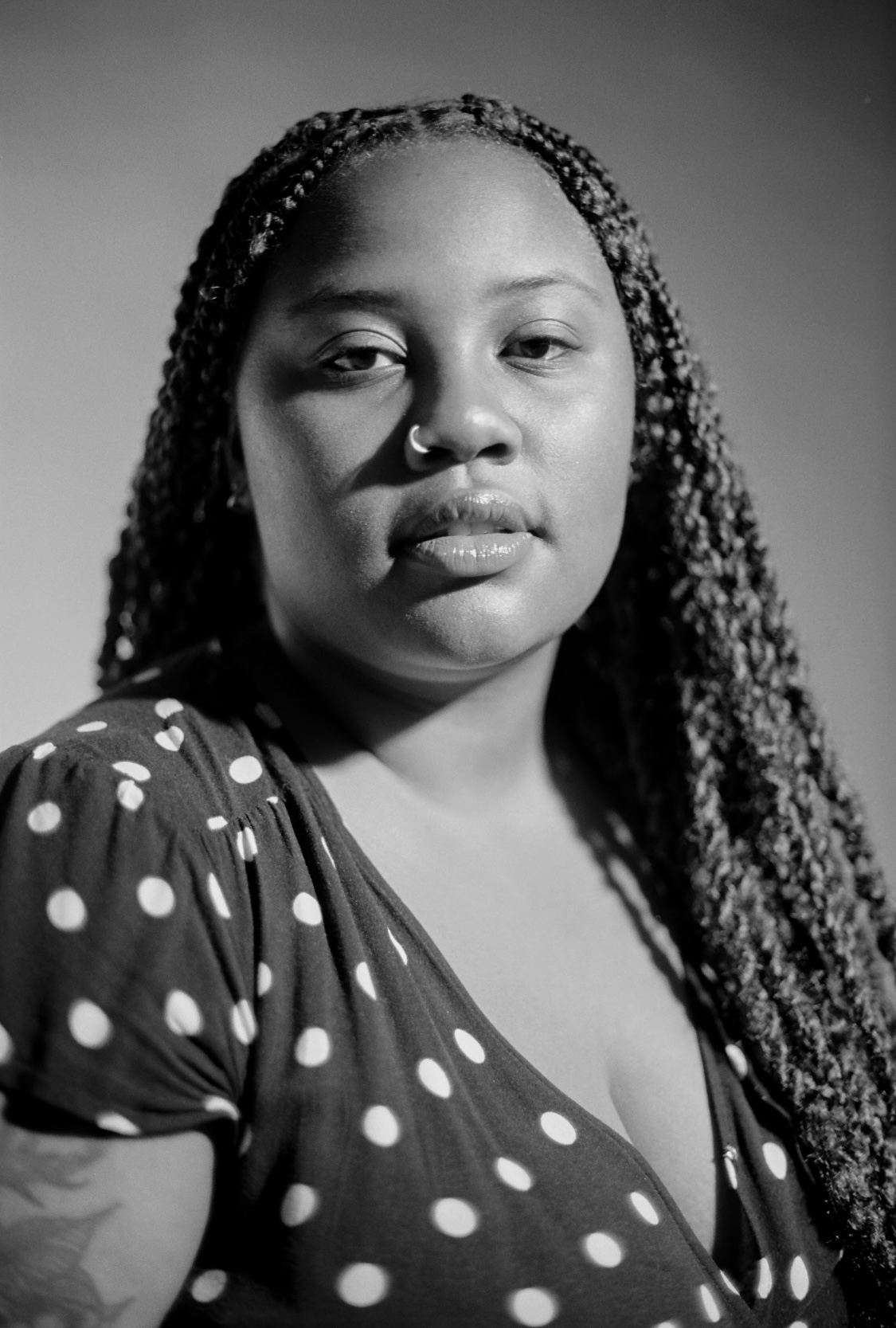
Za’Nia Coleman is an interdisciplinary artist experimenting with textiles, digital media, and cultural …
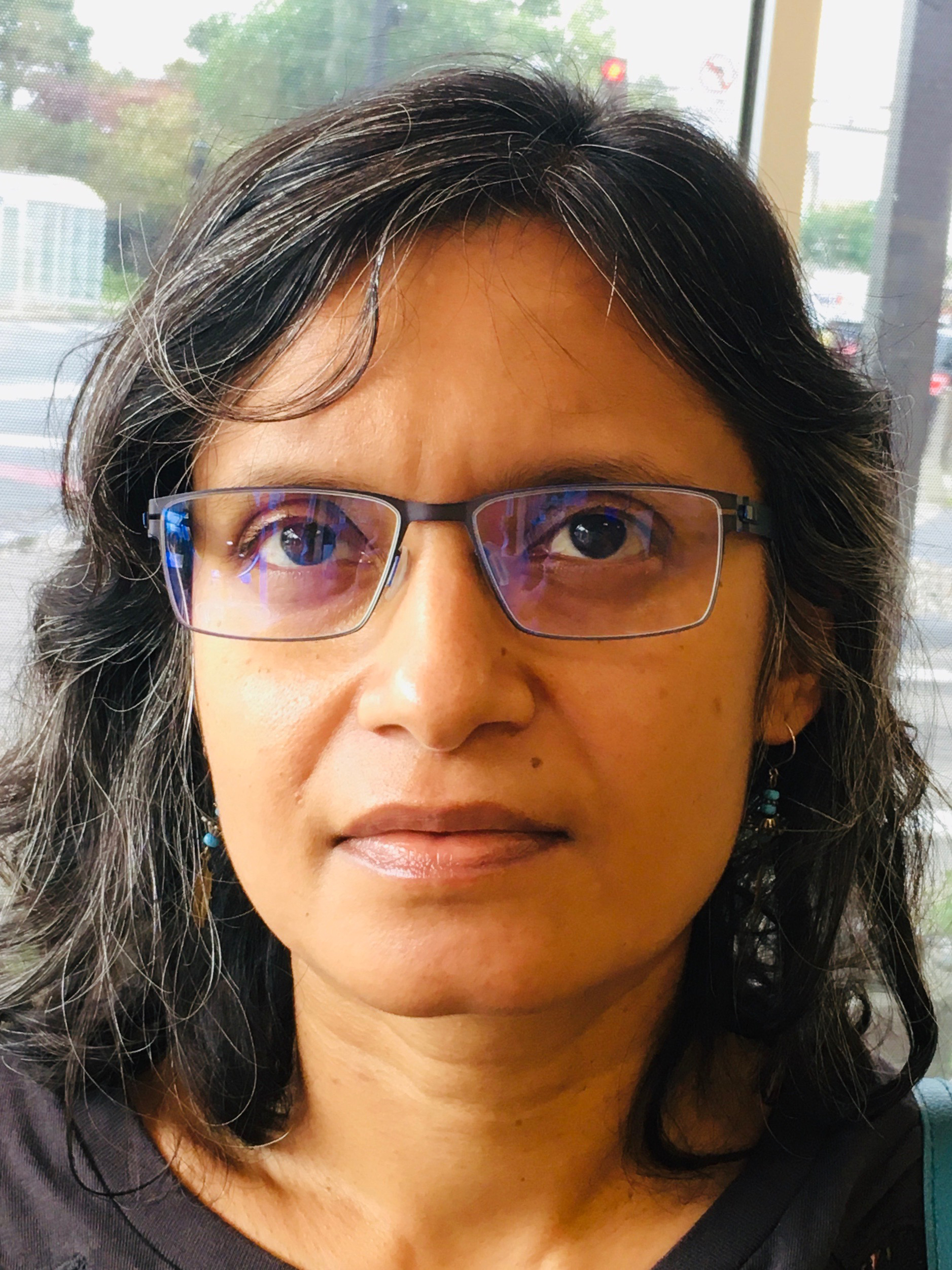
Priyanka Basu is an art historian teaching at the University of Minnesota Morris. Her writing has been published in journals and edited …
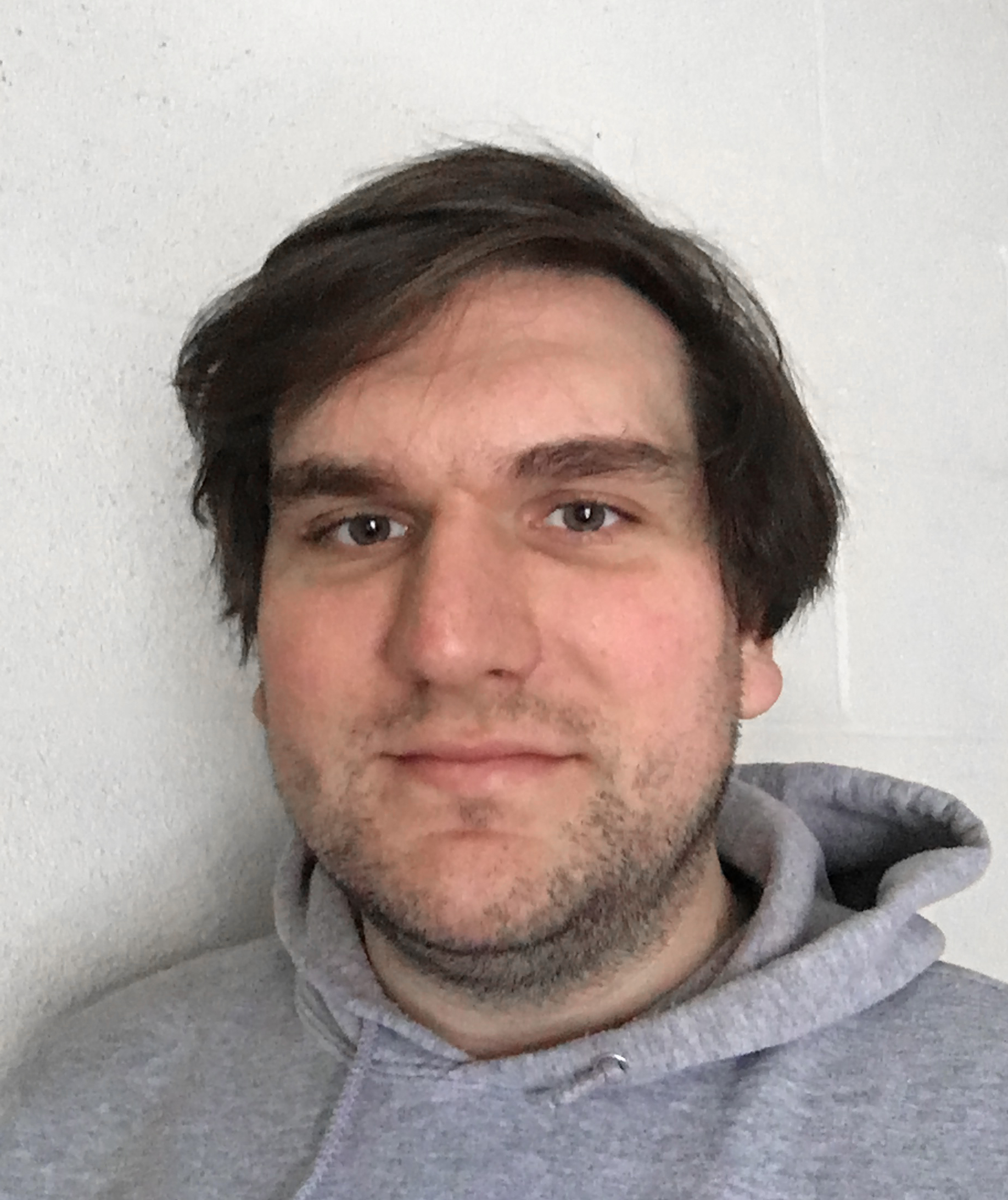
Brooks Turner is an artist, writer, and educator based in Minneapolis. Through diverse methodologies that include archival research, …
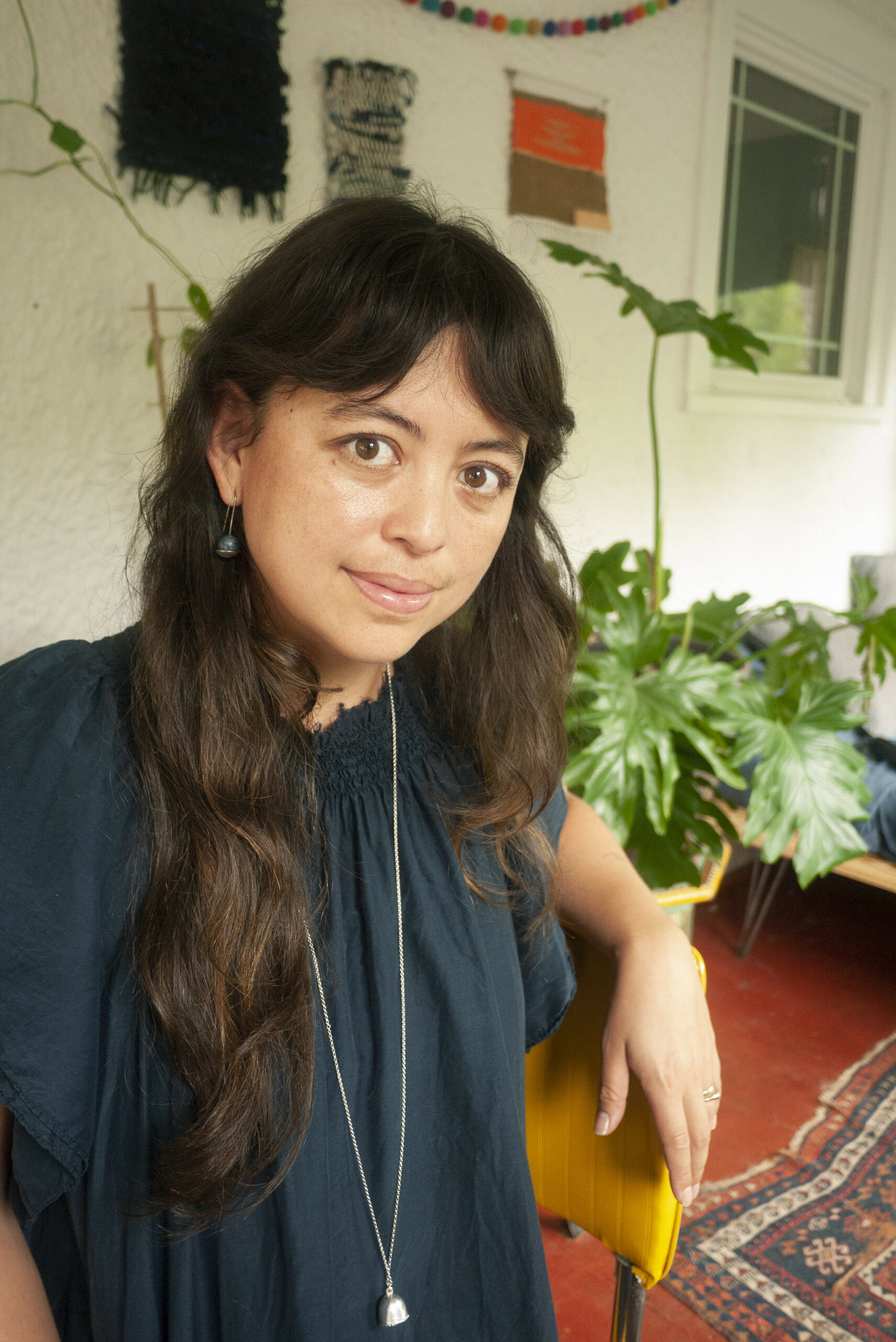
Isa Gagarin (b. 1986, Guam, USA) is a visual artist raised in Oʻahu, Hawaiʻi and based in Minneapolis, …
 2022/23 Arts Writing Fellows